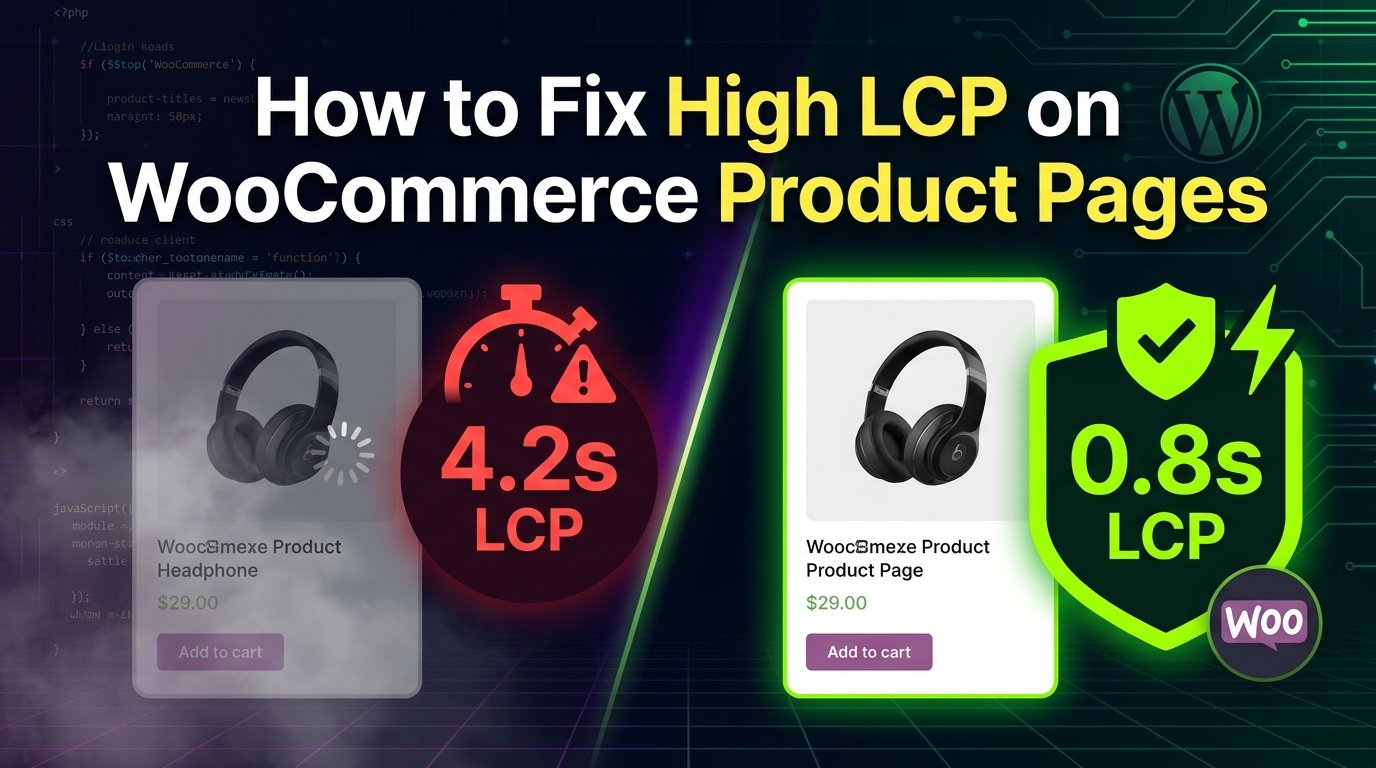
How to Fix High LCP on WooCommerce Product Pages
A complete technical guide to improving Largest Contentful Paint using image preloading, critical CSS, object caching, render optimization, and Core Web Vitals best practices.
1. What is Largest Contentful Paint (LCP)?
Largest Contentful Paint (LCP) is a critical Core Web Vitals metric that measures the time required for the browser to render the single largest content element visible inside the user’s viewport relative to when the page first initiated loading.
On a WooCommerce product page, the LCP candidate is almost universally the **primary featured product image** located within the gallery container (`.woocommerce-product-gallery__image`). If the image is heavily delayed, the browser defaults to evaluating large product titles or review blocks, but once the product image finishes rendering, it takes over as the final LCP candidate.
• Good (Passing): ≤ 2.5 Seconds
• Needs Improvement: 2.5s to 4.0s
• Poor: > 4.0 Seconds
2. Why LCP Matters for WooCommerce
E-commerce conversion rates depend heavily on visual feedback speed. When a mobile user clicks a product link from Google or Instagram, they expect to see the product image instantly.
A slow LCP creates a perceived load delay, triggering immediate page abandonment. According to research across thousands of e-commerce storefronts:
- Every 1-second improvement in product page LCP boosts conversion rates by up to 17%.
- Core Web Vitals directly influence Google Search ranking algorithms, specifically on mobile indexing.
- A passing LCP score drastically reduces Paid Ads Bounce Rates on Google Shopping and Meta campaigns.
3. Common Causes of High LCP
WooCommerce product pages suffer from specific architectural bottlenecks that delay image delivery:
-
Lazy Loading Hero Images: Applying
loading="lazy"to the primary product image delays its download until JavaScript finishes executing. - Missing `fetchpriority=”high”`: Browsers download stylesheets and fonts first unless explicitly told that the hero image is critical.
- Render-Blocking Theme Stylesheets: Unused CSS from page builders, slider plugins, and WooCommerce core styling blocking main thread execution.
- Slow Server Response (TTFB > 600ms): Uncached SQL queries executing on variable products with hundreds of attributes.
4. How to Measure LCP Accurately
Relying solely on lab metrics can be misleading. You need a mix of Synthetic Lab Testing and Real User Monitoring (RUM).
5. Programmatically Finding the LCP Element
You can pinpoint the exact element triggering LCP by pasting this snippet into the Chrome DevTools Console during page load:
new PerformanceObserver((entryList) => {
  for (const entry of entryList.getEntries()) {
    console.log('LCP Candidate Found:', entry.element);
    console.log('Render Time:', entry.startTime, 'ms');
    console.log('URL:', entry.url);
  }
}).observe({ type: 'largest-contentful-paint', buffered: true });
6. Optimizing Hero Images
The hero image must serve responsive intrinsic dimensions using
proper srcset and sizes attributes so
mobile devices don’t download desktop-sized desktop images.
<img
  src="hero-product-600.avif"
  srcset="hero-product-400.avif 400w, hero-product-600.avif 600w, hero-product-1000.avif 1000w"
  sizes="(max-width: 768px) 100vw, 50vw"
  alt="WooCommerce Featured Product"
  width="600"
  height="600"
  fetchpriority="high"
  decoding="async"
/>
7. Image Preloading via WordPress Hooks
Injecting a <link rel="preload"> tag directly
into the document <head> allows the browser’s
preload scanner to discover the main product image URL before
parsing stylesheets or scripts.
function saddam_dev_preload_wc_lcp_image() {
    if ( ! is_product() ) return;

    $product_id = get_the_ID();
    $image_id   = get_post_thumbnail_id( $product_id );

    if ( ! $image_id ) return;

    $image_src = wp_get_attachment_image_src( $image_id, 'woocommerce_single' );
    $srcset    = wp_get_attachment_image_srcset( $image_id, 'woocommerce_single' );
    $sizes     = '(max-width: 768px) 100vw, 50vw';

    if ( $image_src ) {
        printf(
            '<link rel="preload" as="image" href="%s" imagesrcset="%s" imagesizes="%s" fetchpriority="high">' . "\n",
            esc_url( $image_src[0] ),
            esc_attr( $srcset ),
            esc_attr( $sizes )
        );
    }
}
add_action( 'wp_head', 'saddam_dev_preload_wc_lcp_image', 1 );
8. Critical CSS for Product Templates
Extract above-the-fold layout CSS and inline it inside an inline
<style> block in the head to prevent render
blocking.
/* Critical CSS for WooCommerce Single Product Layout */
.single-product .product {
  display: grid;
  grid-template-columns: 1fr 1fr;
  gap: 2rem;
}
.woocommerce-product-gallery {
  aspect-ratio: 1 / 1;
  background-color: #0f172a;
}
@media (max-width: 768px) {
  .single-product .product {
    grid-template-columns: 1fr;
  }
}
9. Removing Render-Blocking Resources
WooCommerce enqueues multiple CSS and JS files globally that are irrelevant for product rendering. Use this hook to dequeue non-critical assets on single product pages:
function saddam_dev_dequeue_unused_wc_scripts() {
    if ( is_product() ) {
        wp_dequeue_style( 'photoswipe' );
        wp_dequeue_style( 'photoswipe-default-skin' );
        wp_dequeue_style( 'select2' );
        wp_dequeue_script( 'selectWoo' );
    }
}
add_action( 'wp_enqueue_scripts', 'saddam_dev_dequeue_unused_wc_scripts', 99 );
10. Lazy Loading Best Practices
Golden Rule: Never lazy-load above-the-fold media. Native lazy loading must be explicitly disabled on the primary product thumbnail.
function saddam_dev_disable_lazy_load_for_lcp( $value, $image, $context ) {
    if ( is_product() && 'woocommerce_single' === $context ) {
        return false; // Disables loading="lazy" for primary image
    }
    return $value;
}
add_filter( 'wp_img_tag_add_loading_attr', 'saddam_dev_disable_lazy_load_for_lcp', 10, 3 );
11. Optimizing WooCommerce Product Gallery
Standard WooCommerce product gallery sliders (FlexSlider, PhotoSwipe) execute heavy main-thread JS upon load. Replacing JS-heavy sliders with native CSS Scroll Snap eliminates main-thread render delays.
12. Font Optimization Strategies
Prevent FOIT (Flash of Invisible Text) by using
font-display: swap; and preloading local WOFF2
typography files directly.
13. Database Query Optimization & Cart Fragments
WooCommerce sends an uncached AJAX request to
/?wc-ajax=get_refreshed_fragments on every page load.
Disabling this call on product pages improves backend processing
time.
function saddam_dev_disable_cart_fragments_on_products() {
    if ( is_product() ) {
        wp_dequeue_script( 'wc-cart-fragments' );
    }
}
add_action( 'wp_enqueue_scripts', 'saddam_dev_disable_cart_fragments_on_products', 99 );
14. Object Caching with Redis
Complex variable products can run over 150 database queries per page load. Implementing persistent object caching via Redis stores query results directly in RAM, reducing TTFB from 800ms down to sub-150ms.
15. Full Page Server Caching (Nginx FastCGI / LiteSpeed)
Serve static HTML snapshots to logged-out users directly from the web server layer using Nginx FastCGI Cache or LiteSpeed Enterprise.
16. CDN Edge Optimization
Leverage edge networks like Cloudflare Enterprise or QUIC.cloud to cache static assets and HTML pages closer to the buyer’s physical location.
17. Modern Image Formats Comparison
Choosing modern image compression formats yields massive file size savings without degrading visual quality.
18. Converting Images to WebP & AVIF
Use server-side image conversion libraries or plugins like ShortPixel/Imagify to generate WebP and AVIF variants automatically upon media upload.
19. Database Optimization & HPOS
Enable WooCommerce High-Performance Order Storage (HPOS) to split order data into dedicated database tables, preventing `wp_posts` table bloat from slowing down product queries.
20. Deferring Third-Party Scripts
Marketing tags (Google Tag Manager, Meta Pixel, Hotjar) steal main-thread CPU time. Delay them until user interaction:
let scriptsLoaded = false;
const loadGTM = () => {
  if (scriptsLoaded) return;
  scriptsLoaded = true;
  const script = document.createElement('script');
  script.src = 'https://www.googletagmanager.com/gtm.js?id=GTM-XXXXX';
  document.head.appendChild(script);
};

['touchstart', 'mouseover', 'scroll'].forEach(event => {
  window.addEventListener(event, loadGTM, { once: true });
});
21. Performance Testing Workflow
- Purge server cache (Redis, FastCGI, Cloudflare).
- Open Chrome in Incognito mode with extensions disabled.
- Throttling Network to Fast 4G and CPU to 4x slowdown.
- Record Performance Trace and inspect LCP candidate.
22. Before vs After Optimization Results
23. Common Mistakes to Avoid
- ❌ Lazy loading the main product image.
- ❌ Preloading multiple images at once, clogging network bandwidth.
- ❌ Using slider plugins that render un-optimized full-resolution images.
- ❌ Neglecting database query performance on complex variable products.
24. Final Interactive LCP Checklist
Related Performance Guides
Frequently Asked Questions

Need Help Optimizing Your WooCommerce Store?
I help businesses improve Core Web Vitals, PageSpeed, SEO, and overall website performance through professional WordPress optimization engineering.